
Guides
Quick start
Sign in, set up your Wallet, fund it and make your first trade on Rtp.Fun.

Before you sign in you can read the Overview and open any token or alliance link someone shares with you. Signals, Pulse, Launch, Swap, Tools and the rest open once you have a free account. Follow these four steps to get started.
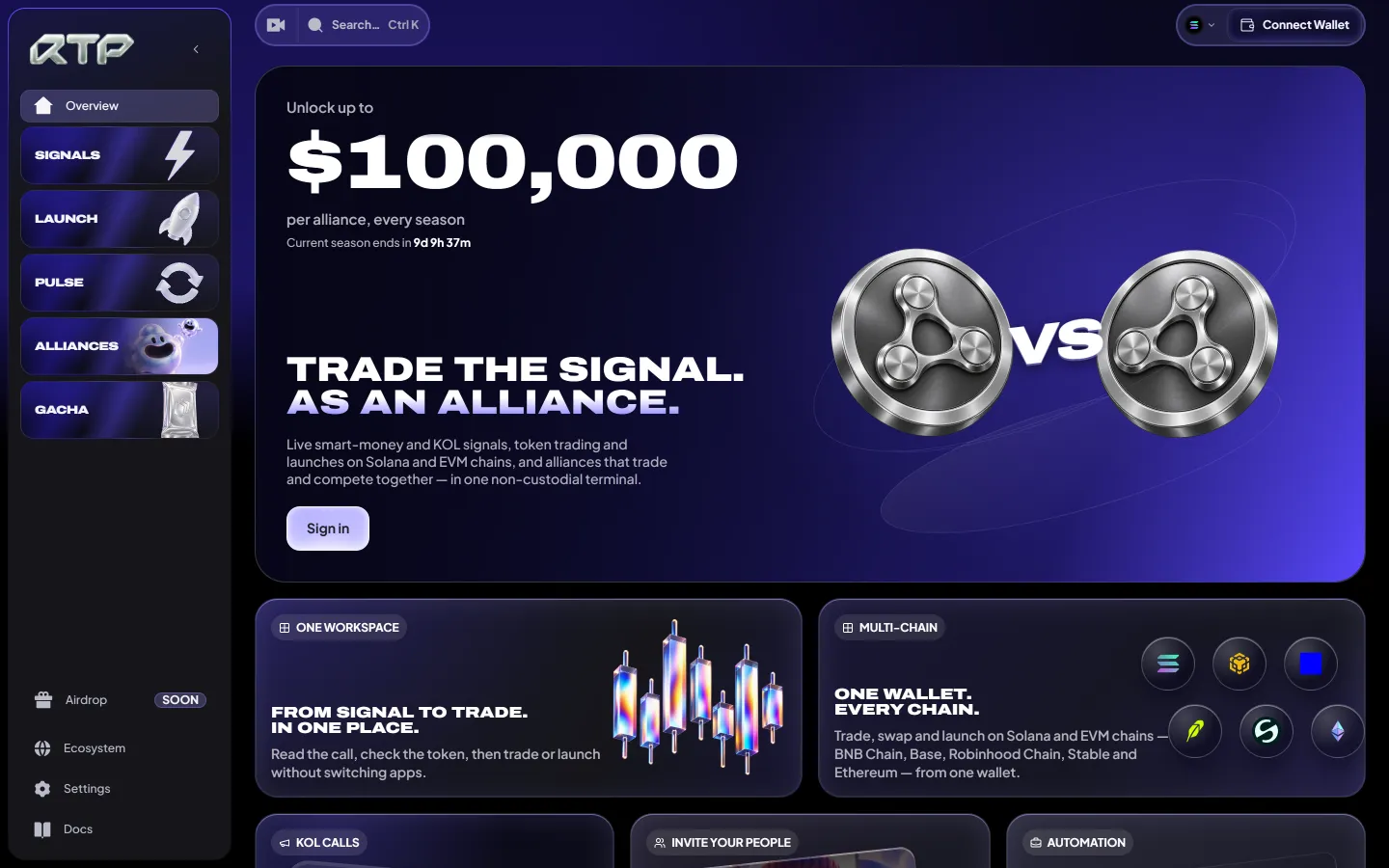
See the terminal layout
Before you start:
- Use a device where you can securely save and verify your Wallet backup.
- Choose the network you intend to use before sending a deposit.
- Keep its network fee asset available alongside the amount you want to trade.
1. Sign in
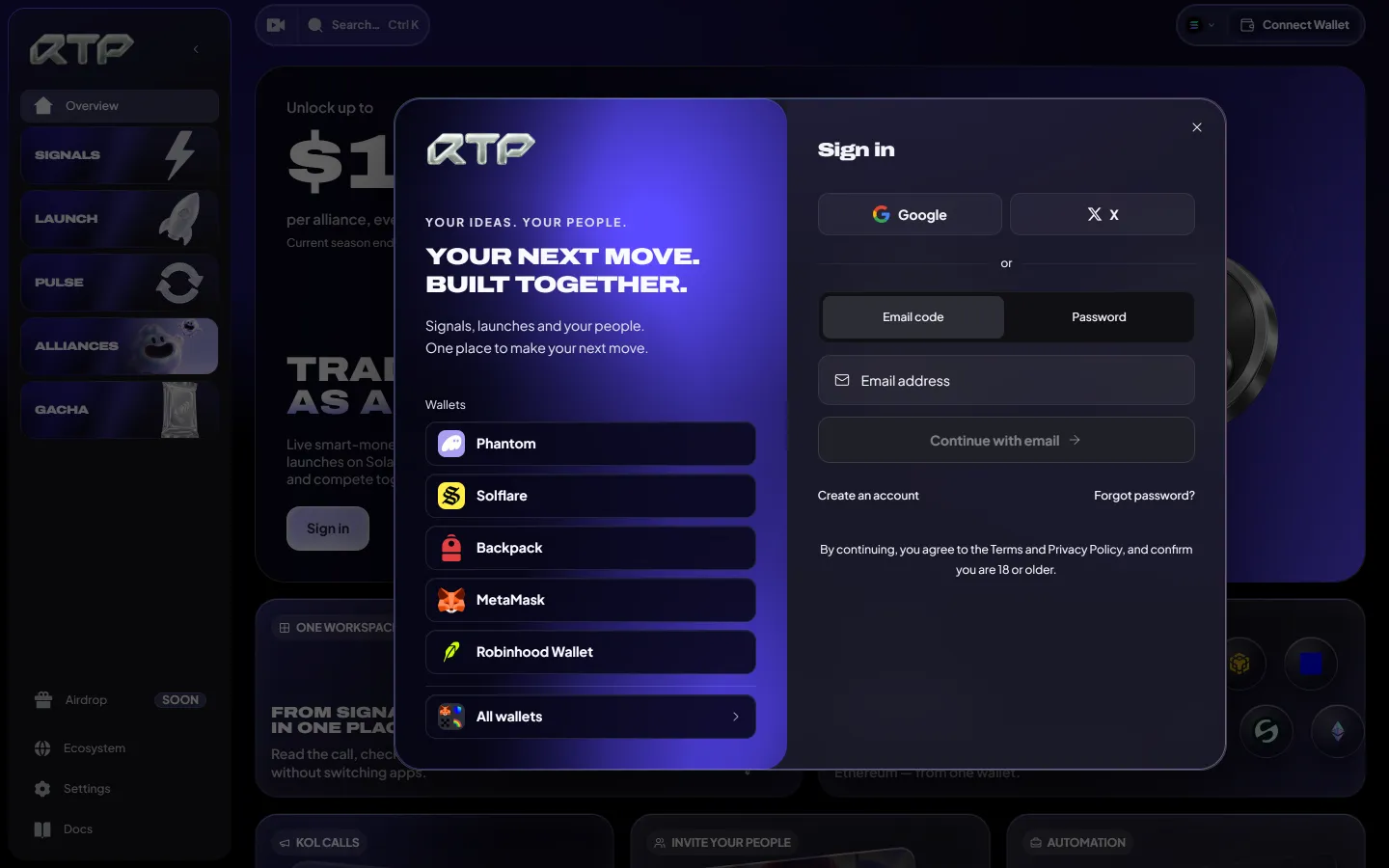
Section titled “1. Sign in”Open rtp.fun/app and choose Connect Wallet.
See the sign-in options
| Method | Works with |
|---|---|
| Wallet | Phantom, Solflare, Backpack, MetaMask, Robinhood Wallet, or any other wallet under All wallets |
| Social | Google or X |
| A one-time code sent to your inbox, or a password (Create an account the first time) |
Account ready: you are signed in. Signing in proves who you are. It never moves funds, and the wallet you sign in with is never asked to sign a trade.
2. Set up your Wallet
Section titled “2. Set up your Wallet”Your Wallet is the wallet you trade, launch and claim with. Its keys remain in your browser. It signs supported actions on your device after your approval or using the presets and limits you authorize.
- Choose Set up wallet for a new Wallet. If you already have a Wallet on another device, choose Restore on this device to recover its original addresses.
- Choose an offered protection method. Password setup uses a trading password; sign-in-wallet setup, when offered, uses the linked wallet account to protect an encrypted recovery backup.
- Complete the backup steps for that method. If a recovery phrase is shown, record it offline and complete its verification. For sign-in-wallet setup, verify that backup saving succeeds. If you import a key, retain a secure copy of that original key.
Backup ready: the backup steps for your chosen method are complete. Before depending on it, restore on a second trusted device and compare the original addresses while you still have the working device.
A newly generated Wallet uses a 24-word phrase and derives Solana and EVM addresses. An imported private key restores only its chain family, and not every setup method displays a phrase. See Wallet for unlocking, backup and recovery.
3. Fund it
Section titled “3. Fund it”- Open the Wallet and choose the network.
- Copy its deposit address or scan the QR code, then send funds on that same network.
- Keep enough of the network’s fee asset for the transaction. See Supported networks.
Funds ready: the deposit has confirmed and the balance appears in your Wallet.
4. Make your first trade
Section titled “4. Make your first trade”- Find a token in Signals, Pulse or search (Ctrl K).
- On its page, enter an amount or tap a quick amount in the order panel; its USD value shows beside it.
- Tap Buy. The Wallet signs and the trade is sent in one tap. To review each order first, turn on Settings → Confirm each trade.
The default Rtp.Fun fee for an aggregator-route token trade is 1.00%: 0.65% trading plus 0.35% swap. Other routes can differ; check the selected route’s fees in the review before signing. See Fees.
After sending: follow the transaction status. A transaction marked Checking has no final result yet; wait for reconciliation before trying again.
- Read the token page and place an order — the chart, holders, checks and review.
- Follow your transaction — what each status means and when to wait.
- Launch your own coin — choose a platform, a curve and a pair.
- Set up presets and quick buy for one-tap trading.
- Join an alliance to share calls and launch together.